Scope 2 should be the simplest part of your GHG inventory. You buy electricity. Your utility bills show how much. You apply an emission factor. Done.
In practice, for a mid-market manufacturer operating across multiple facilities, Scope 2 data collection is a quarterly exercise in frustration: chasing accounts payable for invoice PDFs, re-keying kWh figures into a spreadsheet, hunting down the correct eGRID subregion for each facility, and then trying to explain to your auditor why three invoices have different billing period formats and why one facility's numbers don't add up to the annual total they expected.
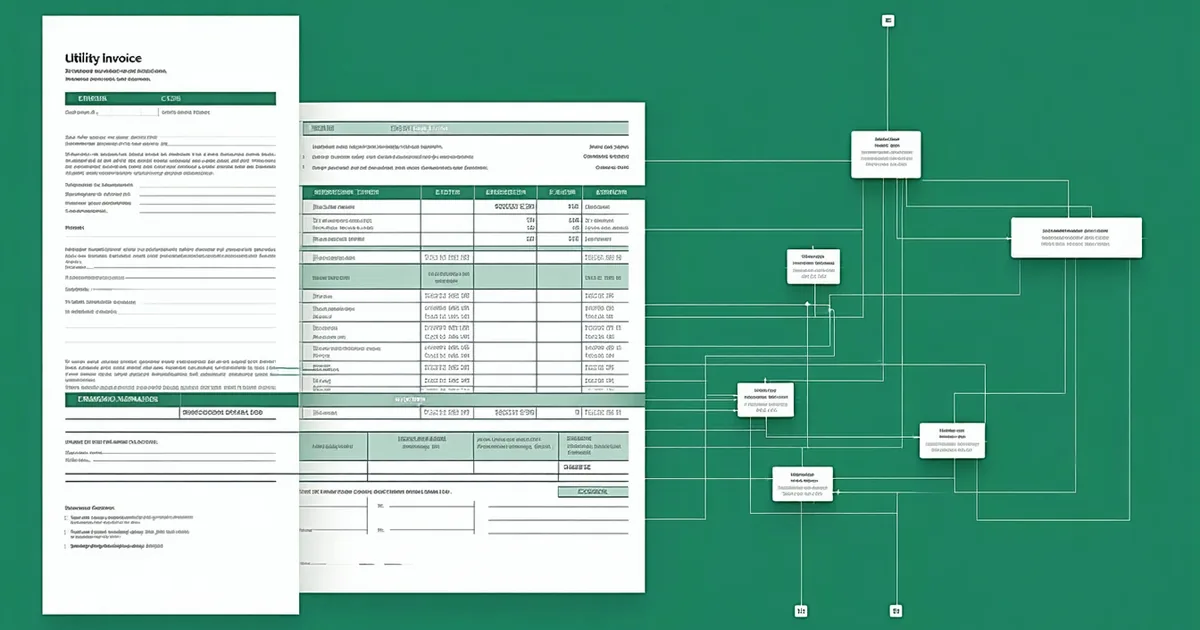
The core issue is that utility invoices are designed for billing, not for environmental accounting. The data you need is there — it's just not structured in a way that flows cleanly into a GHG calculation. This post covers what those invoices actually contain, where the extraction errors happen, and what an automated pipeline looks like end-to-end.
What Utility Invoices Actually Contain
A typical commercial electricity invoice from a US utility includes, somewhere in its layout:
- Account number and service address (your facility identifier)
- Billing period start and end dates
- Total consumption in kWh, often broken down by on-peak and off-peak tiers
- Demand in kW (for commercial/industrial accounts)
- Charges by rate component
- Utility name and rate schedule
For natural gas invoices, you get therms or dekatherms instead of kWh. For steam and chilled water (common in shared facilities), you get MMBtu. Each fuel type maps to a different Scope 1 or Scope 2 calculation path.
What invoices do not contain: the emission factor. That's your job to apply. For location-based Scope 2, you need the EPA eGRID subregion emission factor corresponding to your service territory. For market-based Scope 2, you need either your utility's residual mix factor or your contracted renewable energy certificate (REC) factor — neither of which appears on a standard invoice.
Where Manual Extraction Goes Wrong
We've looked at a lot of manually assembled Scope 2 spreadsheets. The failure modes are consistent:
Wrong billing period alignment. Utility billing cycles don't align with calendar months or fiscal quarters. A December bill might cover November 14 to December 16. When you aggregate twelve invoices to get an annual total, you're actually looking at approximately 12–14 months of data depending on how the cycle lands. This creates a 5–15% variance in annual totals that has no physical meaning — it's purely an accounting artifact. Proper calculation requires prorating each invoice to the reporting period.
Missing invoices. Accounts payable typically processes invoices when they arrive, not on a schedule that aligns with your reporting calendar. In any given year, a facility might have 11 invoices in the AP system (one late) or 13 (one received early covering the next period). A manual process catches this inconsistency only when someone notices the totals look off.
Wrong eGRID subregion assignment. The US has 27 eGRID subregions with emission factors ranging from roughly 0.17 kg CO2e/kWh (Pacific Northwest, hydro-heavy) to 0.72 kg CO2e/kWh (some Midwest coal-heavy subregions). Assigning the wrong subregion to a facility — which happens when you look up the utility name rather than the specific service territory — can produce Scope 2 figures that are off by a factor of 2 or more.
Duplicate entries. When invoices are re-keyed from PDFs, duplicates happen. A single facility getting billed twice for the same period produces an inflated annual total. Without a systematic check, this often passes through to the GHG report.
The Automated Extraction Pipeline
Consider a plastics manufacturer with eight facilities across Michigan, Ohio, and Tennessee. They receive roughly 130–150 utility invoices per year across electricity, natural gas, and propane accounts. Prior to automation, one sustainability coordinator spent approximately three to four weeks per year on Scope 1 and Scope 2 data collection — mostly managing the invoice-to-spreadsheet process.
An automated pipeline for this scenario works in four stages:
Stage 1: Invoice ingestion. Invoices arrive as PDFs, either via email forwarding from AP or direct pull from utility portals where EDI or Green Button data connections exist. Green Button Connect (ESPI standard) is available from many large utilities and returns structured XML — no PDF parsing needed. For the remaining utilities without Green Button, PDF parsing extracts the relevant fields.
Stage 2: Field normalization. Extracted fields — consumption, billing dates, account number — get normalized to a standard schema. This is where unit conversion happens: therms to MMBtu, dekatherms to MMBtu, cubic feet to therms (using invoice-provided conversion factors when available, standard EPA Table C-1 factors otherwise).
Stage 3: Period alignment. Each invoice gets prorated to the reporting period. An invoice covering October 28 to November 29 against a November reporting period gets 32/32 days = full attribution to November. An invoice crossing a period boundary gets split by day count. This sounds mechanical, but it's the step that eliminates the systematic variance in annual totals.
Stage 4: Emission factor application. Location-based: EPA eGRID subregion lookup by facility's zip code → current year emission factor from the eGRID table → kWh × EF = tCO2e. Market-based: utility residual mix factor from AIB or relevant regional registry if RECs are contracted, otherwise residual mix. The calculation records which emission factor was applied, its source, and its vintage year — audit trail by construction.
Location-Based vs. Market-Based: Both Required
GHG Protocol and CSRD's ESRS E1 both require dual reporting: location-based and market-based Scope 2. This is not optional for CSRD filers. Location-based gives you the grid-average intensity for your service territory. Market-based gives you the contractual or residual-mix intensity accounting for any RECs or power purchase agreements you hold.
For a manufacturer with no renewable energy contracts, market-based and location-based figures will be close. For a manufacturer that has purchased RECs covering 100% of its consumption, market-based Scope 2 may approach zero while location-based remains a significant figure. Both numbers go in the report.
The utility invoice is the source for consumption data in both calculations. The difference is purely in which emission factor you apply.
Natural Gas: Scope 1, Not Scope 2
A point of confusion worth clarifying: natural gas combusted on-site — in boilers, furnaces, ovens, dryers — is Scope 1, not Scope 2. The emission factor for natural gas combustion comes from EPA Table C-1 (the natural gas combustion factor is approximately 53.06 kg CO2 per MMBtu, plus small CH4 and N2O contributions). It's still calculated from utility invoices, but it flows into your Scope 1 total, not Scope 2.
Steam and chilled water purchased from a central plant — where you receive thermal energy but don't combust the fuel yourself — is Scope 2. The emission factor for purchased steam depends on the fuel mix of the generating plant, which you typically get from the steam provider's disclosure or from EPA's published factors.
Getting this classification right matters for your ESRS E1 disclosure, which requires Scope 1 and Scope 2 reported separately.
Audit Trail Requirements for Scope 2
When your verifier reviews your Scope 2 figures, they'll want to see the chain from source document to reported tCO2e. That chain looks like:
Invoice PDF (with timestamp and source) → extracted kWh by billing period → period-aligned monthly consumption by facility → emission factor applied (eGRID subregion ID, table version, factor value) → calculated tCO2e → summed to facility annual total → summed to company total.
Each step needs to be reproducible from the stored data. If your auditor asks "how did you get 847 tCO2e for the Toledo facility?", you need to be able to show them the 12 invoices, the period alignment calculation, and the emission factor application. A number without that trail is a finding.
We're not saying manual spreadsheets can't produce a good audit trail — they can, if they're built carefully. The argument for automation isn't accuracy alone; it's that audit trail documentation becomes a byproduct of the calculation rather than a separate exercise done in retrospect.
— Natasha Rivera, CEO & Co-Founder, Circulyft